
How to Build a Tech Job Portfolio (And Stop Getting Ignored by Clients) 2026

Building a tech job portfolio is one of the smartest moves you can make if you’re serious about landing remote work — and this guide will show you exactly how to do it, kahit wala ka pang experience. Hindi ito complicated. Wala kang babayaran. Kailangan mo lang ng tamang approach at konting konsistensya.
Maraming Filipinos ang nag-a-apply ng trabaho online tapos nagtataka kung bakit walang sumasagot. Madalas ang dahilan ay simple lang — walang portfolio. A resume tells people what you claim to know. A tech job portfolio shows them what you actually can do. Malaking pagkakaiba iyon.
Tech Portfolio No Experience Guide
What Is a Tech Job Portfolio and Why Does It Matter?
A tech job portfolio is a collection of your actual work — projects, samples, designs, spreadsheets, websites, anything that shows your skills in action. It can be a simple website, a Google Drive folder, or a Notion page. Hindi kailangang fancy ang kailangan lang may makita ang kliyente.
Para sa mga Filipinos na naghahanap ng remote work, a strong tech job portfolio Philippines clients can actually view online is often the deciding factor between getting hired and getting ignored. Lalo na sa Upwork at OnlineJobs.ph — sobrang daming applicants, at ang portfolio ang pinakamabilis na paraan para mapansin ka.
Think of it this way: kung ikaw ang mag-hihire, sino ang pipiliin mo? Yung nagsasabing “I’m good at this” — o yung may actual work na ipinakita? Portfolio wins every single time.

Who Needs a Tech Job Portfolio?
Short answer — halos lahat ng naghahanap ng online work. But specifically, you need one if you’re going for any of these roles:
Virtual assistant work that involves tech tools like Trello, Asana, or automation platforms. Social media management and content creation. Basic web design or WordPress management. Data entry, research, or spreadsheet work. Graphic design using Canva or Figma. Customer support roles that require written communication samples.
Kahit hindi ka developer o programmer at kung nag-a-apply ka sa tech-adjacent na trabaho, expected na may portfolio ka. At kung wala sigurado na mas mababa ang chances mo compared sa may merong portfolio.
How to Build a Tech Job Portfolio With No Experience
Ito ang pinakamalaking concern ng mga baguhan — “paano ako magpoportion ng portfolio kung wala pa akong actual client?” The answer is simpler than you think.
Gumawa ng mock projects. Create a sample social media calendar for a fictional brand. Build a simple WordPress site for an imaginary business. Design a basic spreadsheet tracker for a made-up project. These are perfectly valid portfolio pieces, clients care about the output, hindi kung sino ang nagbayad sa iyo para gawin ito.
Start with free tools. Canva for design samples. Google Sheets for data work. Carrd or WordPress.com for simple websites. Notion for organized documentation. Lahat ito ay libre at accessible kahit saan ka sa Pilipinas.
Pick one skill and go deep. Huwag subukang ipakita ang lahat agad. Pick the one skill you’re most comfortable with and create 3 solid samples around it. That focused approach looks more professional than a scattered collection of half-finished work.
Building a tech portfolio no experience requires lang talaga is the willingness to make something. So make something — kahit ngsyon na habang nagbabasa ka ng guide na ito.
Step-by-Step: Building Your Tech Job Portfolio
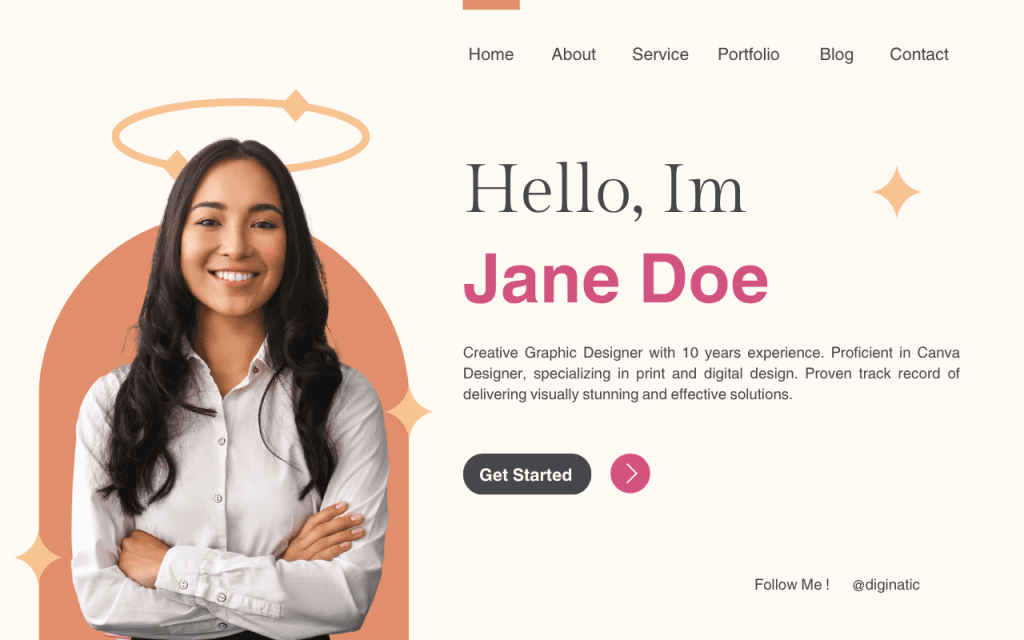
Step 1: Choose Your Niche and Target Role
Before you create anything, decide what kind of work you’re going after. This matters because your portfolio should speak directly to the clients you want to attract. Kung VA ka na gumagamit ng tech tools, ibang samples ang kailangan mo compared sa isang web designer.
Hindi ka dapat mag-portfolio ng “everything” — mag-portfolio ka ng “this specific thing I do really well.”
Step 2: Create 3 to 5 Strong Sample Projects
Quality over quantity. Three impressive projects will always outperform ten mediocre ones. For each project, make sure you can explain what it was for, what tools you used, and what the result was.
If you already have real client work — great, use that with permission. Kung wala pa, gumawa ng mock projects. Both are completely acceptable sa mga client na naghahanap ng online portfolio for tech jobs.
Step 3: Tell the Story Behind Each Project
A tech job portfolio guide wouldn’t be complete without this and it’s the part most people skip. For every project you include, write a short description:
What was the goal or problem? What did you do and what tools did you use? What was the result or outcome?
This format shows clients how you think and approach problems — not just what you made. Yun ang nagpapaiba ng isang memorable portfolio sa isang forgettable one.
Step 4: Choose Where to Host It
You don’t need to spend money on a fancy website. Here are simple options that work:
A free WordPress.com site gives you a clean, professional look. Carrd is even simpler — one-page portfolio sites that look great on mobile. Notion works well if your work involves documentation or organized content. Google Drive is the most basic option but still works if your samples are files or spreadsheets.
Ang pinaka-importante ay may link kang maibigay sa kliyente — something they can click and immediately see your work.
Step 5: Optimize It So Clients Can Find You
This is where most people leave money on the table. A well-optimized online portfolio for tech jobs can actually show up in Google searches — meaning clients can find you without you even applying.
Use your target skills as keywords in your page titles, project descriptions, and image names. If you do social media management, say “social media management portfolio” somewhere. If you do data entry, include “data entry samples” in your descriptions. Hindi kailangan ng advanced SEO knowledge — kailangan lang mag-isip ka ng terms na hahanapin ng kliyente.
Step 6: Add Testimonials When You Can
Even one or two short testimonials make a big difference. Ask a classmate, a teacher, a free client, or anyone you’ve helped — kahit dalawang sentence lang. “She delivered on time and communicated well” is enough to build trust with someone who doesn’t know you yet.
Wala pang nagbigay ng feedback sa iyo? Do one free or discounted project, deliver it well, then ask politely. It’s a small investment for a long-term benefit.
Step 7: Make It Mobile-Friendly
Maraming clients ang nagre-review ng portfolios habang nasa phone — sa commute, sa kape, kahit saan. If your portfolio looks broken or hard to navigate on mobile, they’ll move on without a second thought.
Test your portfolio on your own phone before sharing it. Use clean layouts, readable fonts, and make sure images load properly. A portfolio that works well on any device shows attention to detail exactly what clients are looking for.
Step 8: Make It Easy to Contact You
After viewing your work, a client should be able to reach you in less than 10 seconds. Include your email address, LinkedIn profile link, and preferred messaging platform. Add a simple downloadable resume if you have one.
Huwag mo silang pag-isipan kung paano ka mako-contact kaya dapat malinaw na makita nila ito sa iyong portfolio.
Common Mistakes to Avoid
Adding too many projects. A portfolio with 20 unfinished samples looks worse than one with 3 polished ones. Edit ruthlessly.
No context for each project. Screenshots without explanation don’t say much. Always include what the project was for and what you did.
Forgetting to update it. A portfolio that hasn’t been touched in a year sends the wrong signal. Kahit minsan sa tatlong buwan, mag-update ka ng bago.
Not linking it in applications. Your portfolio is useless if no one sees it. Include the link in every application, every email, every profile you create.
Making it hard to navigate. If a client can’t figure out where to look within 10 seconds, they’ll leave. Keep it simple and organized.
Where to Use Your Tech Job Portfolio
Once it’s ready, put it everywhere:
Your LinkedIn profile should have the link prominently displayed, recruiters and clients check LinkedIn constantly. Kung hindi ka pa sure kung paano i-set up ang profile mo doon, nandito ang guide para sa mga nagsisimula.
Every job application on Upwork, OnlineJobs.ph, or Fiverr should include the link. Don’t bury it — put it front and center in your profile bio.
Your email signature, your resume, your Facebook profile if you’re active in job-hunting groups — link it everywhere you can.
At kung hindi ka pa decided kung anong specific na tech career path ang gusto mo, basahin mo muna ito bago ka mag-invest ng oras sa portfolio para sa maling niche.
Para naman sa mga gustong pumunta sa VA route, ang tech portfolio skills ay directly useful din doon. Ito ang complete guide kung gusto mong malaman kung paano mag-transition.
At kung gusto mong mas malalim pang maintindihan kung paano gumawa ng portfolio specifically para sa VA work, ito ang dedicated guide para doon.
Is a Tech Job Portfolio Really Worth Building?
Oo — at hindi ito debatable. The Filipinos who consistently land remote work online are not necessarily the most experienced or the most talented. They’re the ones who made it easy for clients to say yes.
A tech job portfolio makes it easy to say yes. It removes doubt. It replaces “I hope this person can do it” with “okay, I can see they can do it.”
You don’t need a perfect portfolio to start getting results. You just need one that’s honest, organized, and easy to view. Gumawa ka ng tatlong sample projects ngayong linggo. I-upload mo kahit sa Google Drive. Ilakip sa susunod mong application.
Makikita mo mismo ang difference.
Nakatulong ba ang guide na ito sayo? Share with us your experience sa pamamagitan nang pag contact saamin at puede mo din itong ishare sa iyong mga kaibigan,